How I Turn Maxio Reporting Into Product Insight as CPO With Maxio MCP


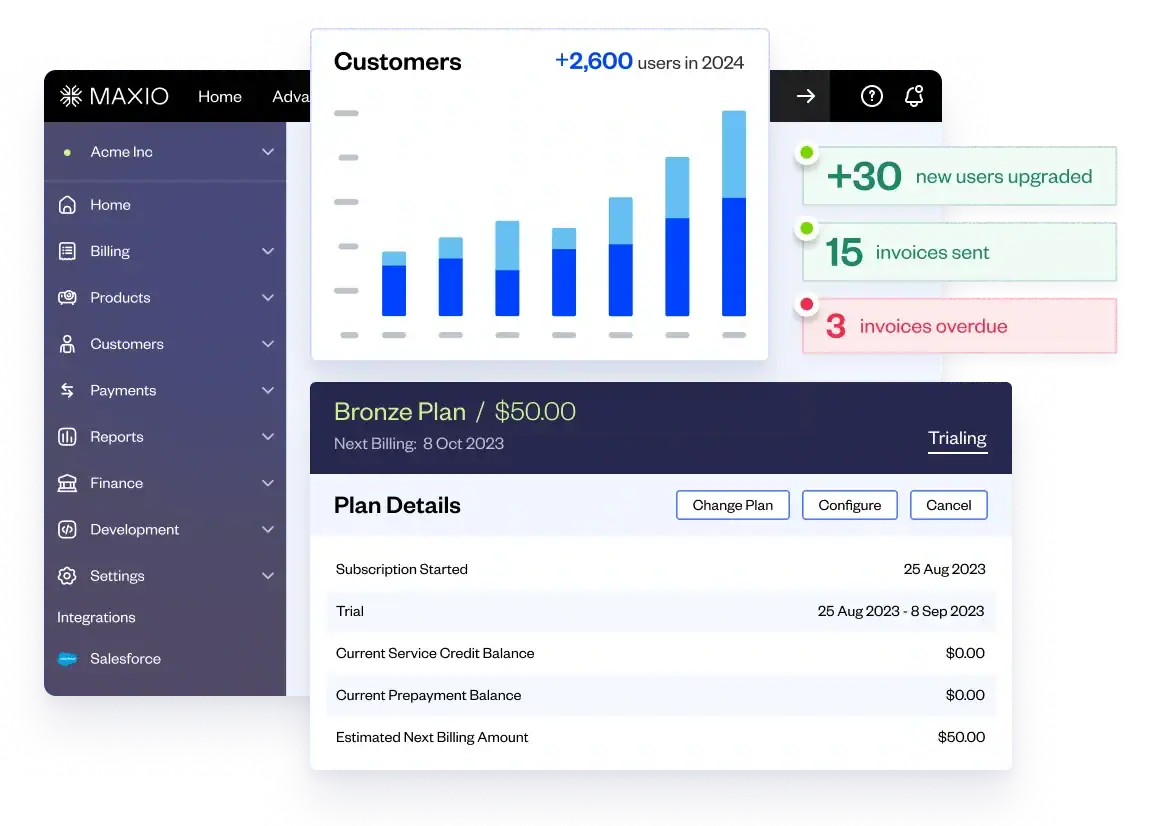


I spend a lot of time trying to understand what product and financial signals are telling me about the business.
Some of that is straightforward: Which products are driving growth? Where are customers expanding? What changed after a launch? Some of it isn’t: Is this pattern meaningful or just noise? Am I looking at this the right way? What would I ask next if I had product, finance, and customer context all in one place?
Traditionally, if I wanted a more product-specific view of the business, I was usually working from a flash report that was useful at a company level but not tailored to the decisions I needed to make. Or I was cobbling inputs on my own.
Maxio MCP changes that workflow for me.
It gives me a way to start with Maxio data I already trust, ask better questions in plain language, and turn that into a product-oriented operating view much faster. Once I’ve built something useful, I can make it repeatable.
What Is Maxio MCP?
At a basic level, MCP, or Model Context Protocol, gives AI clients a structured way to connect to business systems and work from live context instead of only whatever gets pasted into a prompt.
With Maxio MCP, that means I can use natural-language prompts to work with billing, analytics, payments, and reports in a much more flexible way while staying grounded in Maxio data. It’s a faster, more flexible way to work with systems I already rely on. I’m able to start with the business question and work backward from there.
For me, Maxio MCP is especially useful for exploration, prioritization, and explanation.
That distinction matters. I’m not using it because I want to outsource judgment. I’m using it because I want to get from data to a point of view faster, while staying anchored to a source of truth I trust.
Before getting into the workflows: setup and permissions matter. I start with creating the connector, choosing the permission role, and authenticating into Maxio from the client side. If your goal is reporting and analysis, I’d start with a more read-oriented setup. It’s important that this stays tied to authentication and user management, not just a loose credential floating around.
Workflow 1: Turning a standard ARR report into a product dashboard

One of the most useful things I do with Maxio MCP is take a standard ARR view and turn it into a product-oriented dashboard.
I start with a focused Maxio report, like a simple ARR-by-month trend report, not a giant dump of raw data. That is intentional. I want Maxio doing the pre-aggregation and reporting logic first so the model has a clean starting point. That makes things faster and more accurate.
From there, I let the model build a first pass at the dashboard.
I don’t spend much time trying to write the perfect prompt upfront. My style is to start with a strong report, get a first version, and then iterate. Once I have that baseline in place, I add an executive summary so I can quickly see the topline takeaways before I refine further.
What I like about this workflow is that it gets me out of the generic company-level view and into something I can actually use as a product leader.
Workflow 2: Breaking growth down by product line

Once the baseline dashboard is in place, the next thing I want to see is ARR by product line.
That is where the analysis becomes much more useful for my role. A topline ARR trend is helpful, but it does not tell me which products are actually contributing to growth. I want to understand what is driving the number. Which products are gaining adoption? Which newer offerings are starting to matter?
I show this by pulling a report segmented by product line and layering that into the dashboard. That let me see the product mix, how it was evolving over time, and how newer usage-based products were contributing after launch. That matters because product leadership is not just about looking at growth. It is about understanding what is creating it.
Workflow 3: Using average ARR and expansion data to spot stronger signals

Another workflow I use is looking at average ARR by product over time and then layering in expansion data.
That changes my previous question a bit. Instead of just asking what is growing, I’m asking how these products are being sold and adopted. Are they relatively stable? Are there shifts that suggest pricing or packaging changes? Is there an anomaly that deserves a closer look?
Then I want to know what existing customers are buying more of.
That’s why I bring in expansion data. This was also the point where I start pulling in more customer-specific signals. Once I can see who is expanding and what they are expanding into, the dashboard becomes much more actionable.
Expansion is one of the strongest product signals because it tells me where customers are finding enough value to go deeper. I use expansion data to see which customers were expanding, which product lines were involved, and where those patterns were strongest.
Now the dashboard starts feeling much more actionable. New business only tells part of the story. Expansion often tells you where the product is delivering enough value that customers are deepening the relationship.
Workflow 4: Turning one good analysis into a repeatable workflow

One-off analysis is useful. What really matters is when something proves valuable enough to reuse.
I accomplish this by taking a dashboard building and packaging it into a reusable skill. A skill is a saved set of instructions: what reports to use, how to structure the output, what logic to preserve, and even how I want the dashboard organized or styled. Once that is in place, I am not starting cold every time.
This is the value of these tools. I don’t just want a good answer once. I want a workflow I can return to.
And once I have that, I can schedule it.
That is when it becomes something I can actually set and forget. Instead of rebuilding the same analysis manually, I can turn it into a recurring brief.
Prompting, iteration, and validation
One of the most practical lessons I’ve learned is this: the first output is usually a draft.
I refine as I go. I add product mix percentages if the view is hard to scan. I change the orientation if the summary is too finance-heavy. I move the executive summary if it gets buried. I keep shaping the dashboard until it feels like something I would actually use before a meeting or as part of a recurring brief.
I also validate the output.
I’m bullish on AI, but I still want Maxio to remain my source of truth. This workflow works because I can go back to the underlying Maxio report, inspect the source, and verify that the analysis is reflecting the real data correctly. That trust-but-verify step matters, especially when the output is going to influence decisions or conversations.
My rule of thumb is simple: be curious, but stay grounded.
Why Maxio MCP changes how I work as a CPO
The bigger shift is not that AI builds a dashboard for me.
It does not replace product judgement or the teams I work with. It makes those conversations sharper.
I can ask more questions, explore more ideas, and move faster from standard reporting to a real point of view. When something matters, I can turn that analysis into a repeatable workflow much faster than I could before.
It does not replace product judgment. It does not replace finance, analytics, or the other teams I work with. It makes those interactions better. It lets me come in with sharper questions, a clearer perspective, and a better sense of what actually deserves attention.
So where would I start?
I wouldn’t overcomplicate it.
I would start with one business question I already care about. For me, that was turning a standard ARR report into a product-specific view of the business. For you, it might be a recurring executive review, a product launch follow-up, a pricing question, or an expansion analysis.
Set up the connector. Start with one good Maxio report. Let the model build the first draft. Refine it until it becomes useful. Validate it against the source. Save the workflow if it proves valuable. Then schedule it if you want to revisit it regularly.
That is where the value starts.
I shared more of that in my session of our executive webinar series, AI in the C-Suite: How Maxio Leaders Make Faster Decisions with MCP, where I go deeper into how I use Maxio MCP in practice as a product leader. You can watch the on-demand recording for the full walkthrough or get an MCP demo to learn more.