
The Chargebee alternative built for finance teams
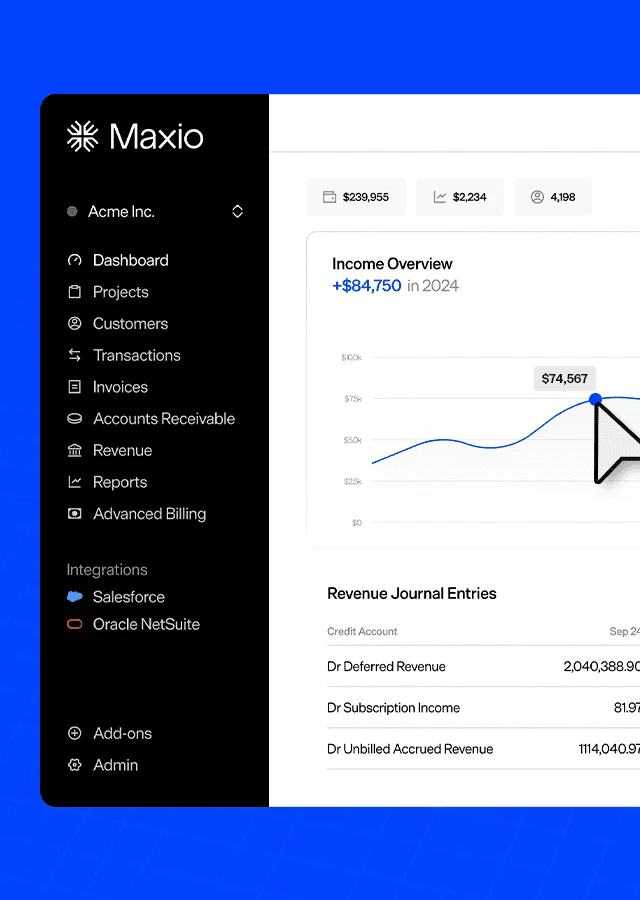
Maxio recognizes revenue from the contract, includes 150+ investor-grade metrics, and handles renewals and price increases without manual work. On Chargebee, revenue recognition, multi-entity, and NetSuite or Salesforce sync are paid add-ons.
All-in-one billing infrastructure
30 minutes with a finance specialist. Bring your messiest contract.
Trusted by 2,000+ SaaS, AI and subscription businesses worldwide




Billing is the easy part to compare
Most billing platforms can charge a card, send an invoice, and meter usage. Chargebee does those well, and it built its name on fast self-serve setup. The gap opens up in the work that lands on finance after the invoice: recognizing revenue on contract terms, handling a mid-term upgrade or a price increase at renewal, and closing the month with numbers your auditors accept. That’s where Chargebee and Maxio diverge.
Built for how you go to market
Whether you’re product-led, sales-led, or both, how you sell shapes how you bill. As you grow, you’ll also report ARR to a board and close the books for an audit, and that’s where Maxio pulls ahead: revenue recognition and 150+ investor-grade metrics, included and built on the contract.
| Chargebee | Maxio | |
|---|---|---|
| Product-led (PLG) | Built for self-serve checkout, with a wide range of payment gateways and methods. Revenue tracking gets harder to trust as volume grows. | Self-serve checkout and billing portal, with usage billing, entitlements, and prepaid credits through Wallets. |
| Sales-led (SLG) | Renewals and price increases often handled by hand. | Renewals, uplifts, and mid-term changes scheduled on the contract. |
| Hybrid | Teams often keep self-serve on Chargebee and move enterprise contracts to another system. | Self-serve and negotiated contracts on one platform, with one set of revenue reports. |
What Chargebee users told us
“There’s just lack of trust in what’s happening in there […] considering it’s the only way we’re tracking self-serve revenue.”
“Chargebee does not have a great solution for fee increases at renewal without a person manually going in, one renewal at a time.”
“Chargebee being a B2C credit card payment type tool is just not meeting our needs anymore.”
Maxio recognizes revenue from the contract. Your invoices don’t have to line up perfectly.
Chargebee’s built-in revenue reporting follows the invoice and isn’t ASC 606 compliant, so 606 means buying its separate RevRec product. Invoice-based revenue breaks when billing and service dates don’t match: an annual deal billed up front, a delayed start, a ramp. Maxio builds revenue from the contract, so the numbers hold either way.

Contract first.
Revenue schedules follow total contract value and service dates, not whenever an invoice went out.

Changes carry through.
Upgrades, downgrades, renewals, and scheduled price increases update the revenue schedule without a rebuild.

Audit-ready.
Deferred revenue, revenue waterfalls, and ASC 606 and IFRS 15 reporting come from the same data your billing runs on.

Dates managed separately.
Invoice dates, revenue recognition dates, and contract terms are set independently, so a delayed start or milestone deal doesn’t skew revenue.
Maxio vs. Chargebee, capability by capability |
Most popular
Chargebee– |
|---|
| Revenue recognition | Included, built on the contract | Built-in reporting isn’t ASC 606; full rev rec is a separate product, priced by quote |
| Ramps and revenue | Scheduled changes carry into revenue | Ramps not supported with RevRec |
| SaaS metrics and reporting | 150+ investor-grade metrics out of the box, drillable by customer, product, and transaction | Core reports; data export is an Enterprise add-on |
| Multi-entity billing | Supported, with parent-child invoicing | Enterprise only, paid add-on |
| NetSuite | Native two-way sync of customers, invoices, and payments | Enterprise only, paid add-on; one-way invoice sync every 24 hours |
| Salesforce and HubSpot | Native integrations | Paid add-ons; Salesforce is Enterprise only |
| Usage and prepaid credits | Native usage billing with entitlements and Wallets | Native usage billing, entitlements and prepaid credits |
| AI access | MCP server and Maxio AI agents | MCP servers and Copilot |
What finance teams say about Maxio

saved on reconciliation
“We have subscription and usage plans. We wouldn’t be able to handle it without Maxio. We don’t have to worry about invoices going out, it just happens.”


faster close
“We’ve gained a lot of time and efficiency. Now our finance team can be leveraged in different areas to help achieve overall company targets.”


Recognized for results, usability, and ROI





Why Maxio
One platform from quote to cash

Maxio is the platform that powers monetization for subscription and AI businesses, connecting CPQ, billing, revenue recognition, reporting, and payments into one system, so growth never means adding another vendor.
The monetization engine underneath flexes to any pricing model, seats, usage, credits, outcomes, or a mix, and an MCP server gives AI agents direct access to that same data. One platform built to grow with the business, not just handle what it needs today.
Frequently asked questions
For B2B companies that have outgrown billing-only tools, look for native revenue recognition, investor-grade metrics, flexible pricing, and one platform instead of stacked add-ons. Maxio brings all four together.
Most often for numbers they can trust: revenue recognized from the contract, metrics they can drill into, and renewals and contract changes without manual work.
Maxio is built for B2B finance teams. Revenue recognition and 150+ investor-grade metrics come with the platform, built on the contract rather than the invoice.
More than the first quote suggests. Revenue recognition, multi-entity, NetSuite, and Salesforce are paid add-ons on Chargebee. Maxio includes revenue recognition and investor-grade reporting.
Yes. Renewals, uplifts, and mid-term changes are scheduled on the contract, with no manual work account by account.
Yes. Usage billing, entitlements, and Wallets for prepaid credits, tokens, or dollars.
Yes, natively. Maxio syncs customers, invoices, and payments both ways with NetSuite. On Chargebee, NetSuite and Salesforce are paid add-ons, and the NetSuite sync runs one way.
Yes. Import your existing invoice as an HTML file or an image, and Maxio’s AI rebuilds it as an editable invoice template.
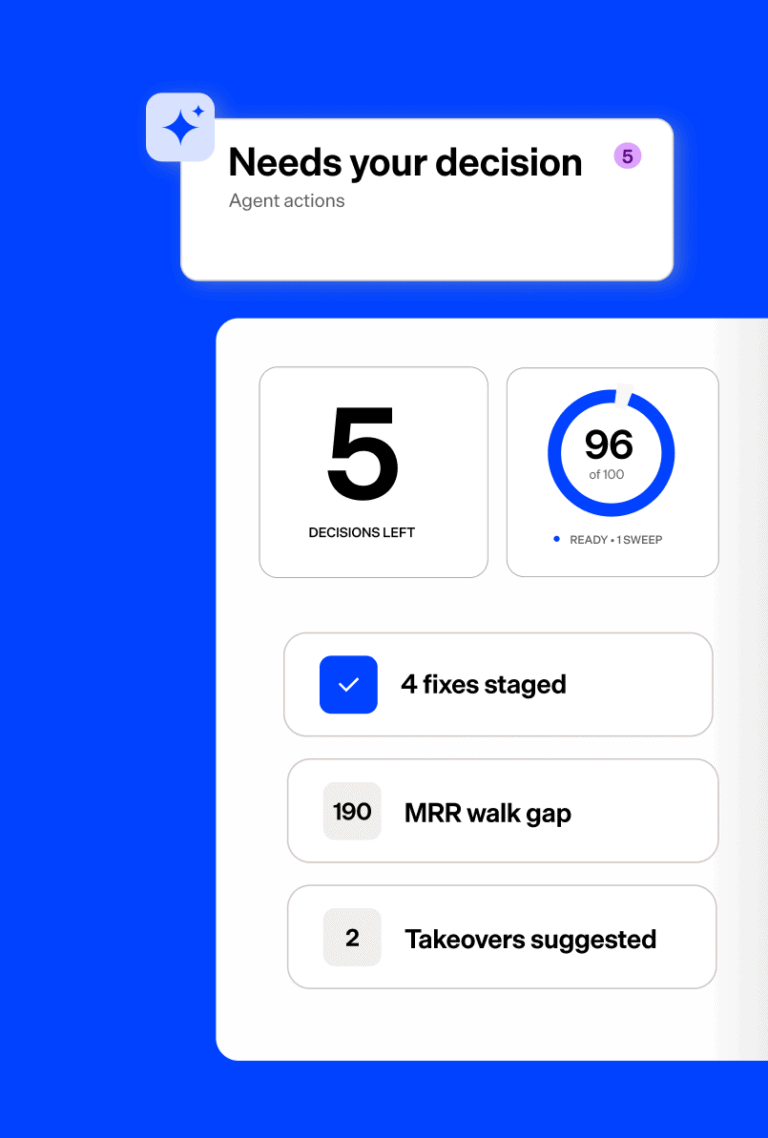
Yes. Maxio’s MCP server connects your billing and revenue data to tools like Claude and ChatGPT, and Maxio AI adds agents for billing and finance work.