Maxio for Finance and Accounting Teams

Bring order to complex B2B billing

Built for ambitious finance and accounting teams.

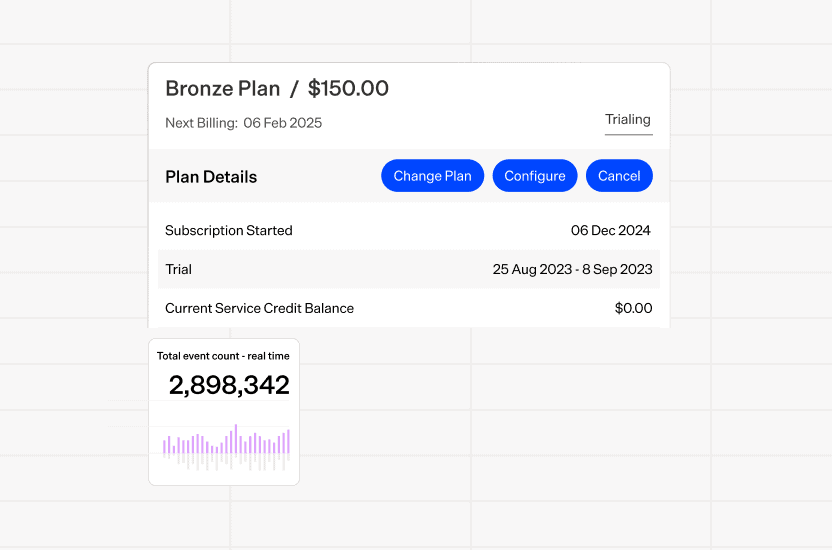
  • Billing that keeps up with any model. Bill subscription, usage, and one-time charges automatically.
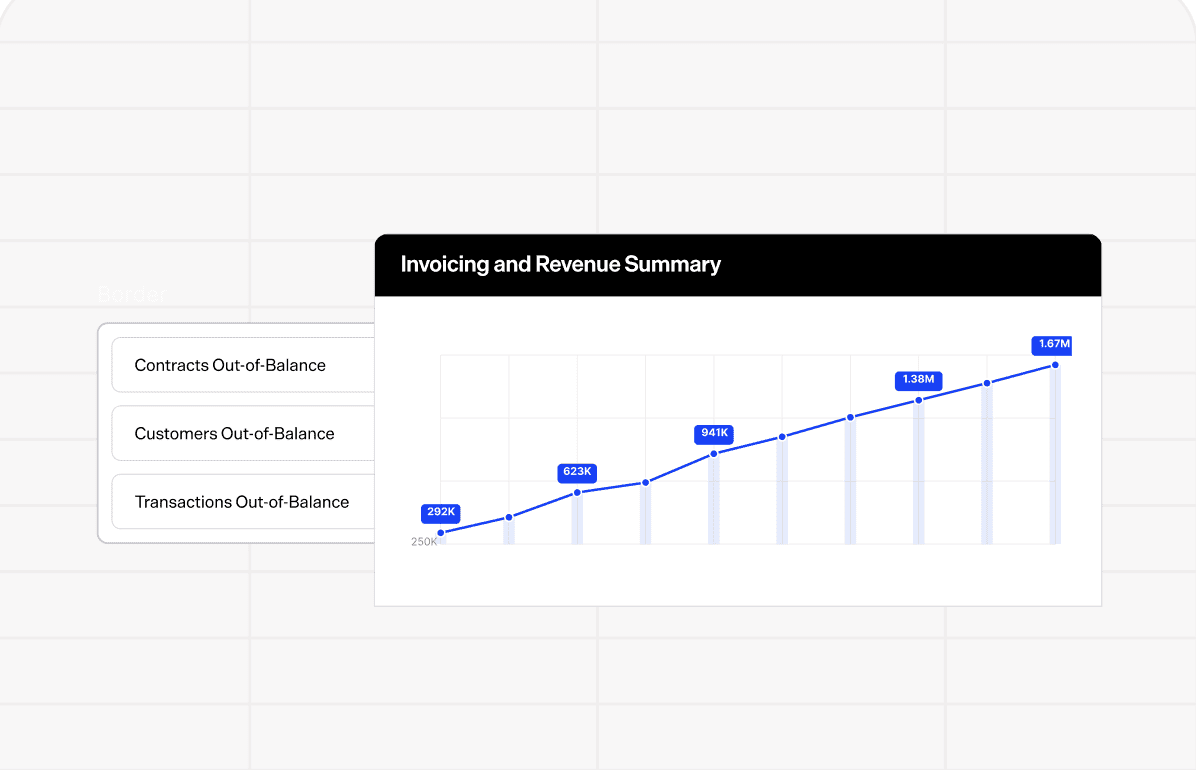
  • Revenue that reconciles itself. Accruals and rev rec run automatically, so revenue never falls behind billing.
  • Reporting that runs in real time. See usage, billing, and revenue signals the moment they happen, not in next month's report.
Get a demo
Integrates with:
Salesforce HubSpot QuickBooks Xero NetSuite Avalara Google Sheets Stripe PayPal
In-App Events
CRM Salesforce HubSpot
Usage
Downgrades
Token Spend
Upgrades
Sales Orders
Renewals
Line Items
Usage Accruals
ARR
Journal Entries
Payments
MRR
Recognized Revenue
Invoices
NRR
Deferred Revenue
Collections Data
Churn
Unbilled AR
Billing
Revenue Reporting
Investor-Grade Metrics

Automate complex billing processes from quote to journal entry

01Quote
Draft Review Approved
Total contract value
$168,000
Bracken Analytics
Pro (monthly)$8,000.00
API Calls (prepaid)$6,000.00
02Bill

Bill To

Bracken Analytics
#INV-10482
DUE AUG 18
$14,197.75
Pro$8,000.00
API Calls · 500,000 prepaid$6,000.00
API Calls 410,000 / 500,000
03Collect
$128,430Total AR
Past due
$51,240
14 invoices
CustomerBalanceStatus
Bracken Analytics$14,198Past Due
Halcyon Media$9,890Past Due
04Recognize
Contract #C-58201 · Bracken Analytics
Recognized this month
$8,000.00
Revenue schedule
PeriodRecognizedDeferred
Jun 202613,220.00780.00
Jul 202612,920.001,860.00
Aug 20268,000.007,860.00
05Sync
What moves automatically, every time
Salesforce HubSpot NetSuite Intacct Xero QuickBooks bidirectional, field-mapped
ObjectSystem
Bracken AnalyticsSalesforce
INV-10482NetSuite
Payment · $3,200Intacct
Northwind LabsHubSpot
CM-2231QuickBooks
Contract · 24-moSalesforce
INV-10481Xero
Fielder GroupNetSuite
06Analyze
Current
$371,399 +1.8%
12 months ago
$298,462 +24.4%
MRR growth
Mar
Apr
May
Jun
Jul
Aug
This month
New business$7,870
Expansion$9,621
Contraction-$1,566
Net MRR growth$10,960
Zingtree logo
Jasper logo
Abnormal logo
Retool logo

Connect billing and accounting data to make month-end less manual and more predictable. Remove the manual workflows that delay your close.

Automated GL/ERP sync

Keep billing and accounting data aligned with automated connections to your general ledger. Reduce manual entries and simplify reconciliation across systems. Sync journal entries, invoices, and payments to your GL or ERP.

Financial reporting

Get a reliable view of revenue, deferred revenue, unbilled AR, and other key financials. Build audit-ready reports without stitching together spreadsheets.

Automate revenue recognition across complex subscription, contract, and usage models. Keep schedules and reporting accurate as contracts change, and stay ASC 606 compliant.

Revenue recognition

Automate revenue schedules based on your contracts and transactions. Manage deferred revenue and recognition without maintaining schedules manually.

Contract change management

When a customer's contract changes mid-term, the old terms close out and a new schedule opens. Recognized revenue stays accurate, and every change ties back to an audit trail.

Turn billing, subscription, and financial data into real-time reporting of business performance. Give finance and leadership the metrics they need to make better decisions.

Investor-grade metrics

Track and drill into MRR, ARR, churn, retention, and other key metrics in one place. Give finance, leadership, and investors a clear view of recurring revenue performance without manually reconciling data from multiple sources.

Subscription and usage analytics

Understand what's driving growth with subscription, renewal, cohort, and usage insights. Drill into the customers and transactions behind changes in performance.

Make it easier to invoice customers, collect payments, and stay ahead of outstanding AR. Automate more of the work between sending an invoice and reconciling the cash.

Automated collections

Automate follow-ups on outstanding invoices and manage collections based on customer activity. Keep your team focused on the accounts that actually need attention.

Payments

Give customers flexible ways to pay and manage their payment methods. Connect payment activity back to your financial workflows for easier reconciliation. Recover credit card margins with Maxio Payments' surcharging.

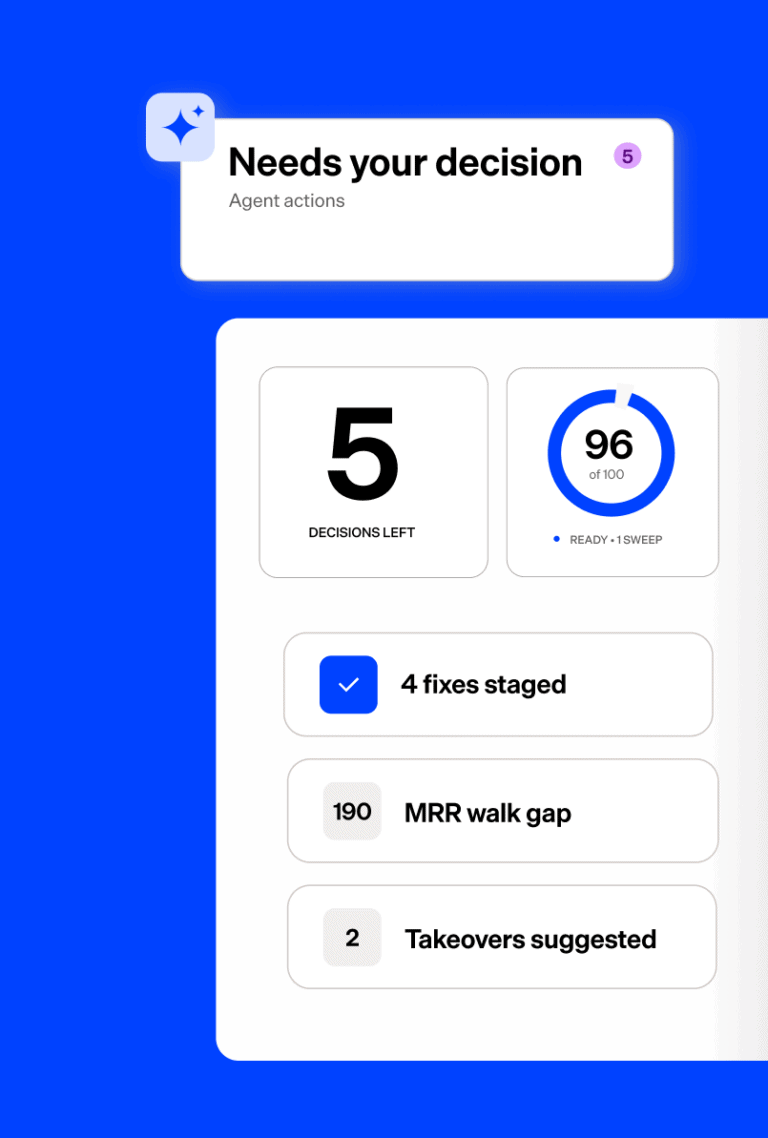
Connect your agents to governed billing and revenue data through Maxio MCP. Investigate renewals, update prepaid usage, and more with fully traceable and auditable workflows.

Powered by Maxio MCP

Integrations that move the needle

Keep billing data flowing across the systems you already use.

Sync customer, opportunity, contract, and quote data from your CRM into billing workflows. Help sales and finance stay aligned from close to invoice.

Push invoices, payments, revenue schedules, and transaction-level details into your ERP or accounting system. Give finance one clean source of truth.

Keep billing and accounting data aligned with integrations that reduce manual reconciliations and month-end cleanup.

Connect to leading gateways including Stripe billing, PayPal, Braintree, GoCardless, and more.

Support tax calculations, audit trails, and revenue recognition workflows that help finance stay ready for reporting and review.

FAQ

Finance and accounting software helps teams manage and automate financial processes such as billing, accounts receivable, revenue recognition, reporting, and investor metrics. For B2B SaaS and AI companies, it can also connect subscription management and billing data to the underlying financial data.

Maxio is built specifically for B2B SaaS and AI, bringing together billing, subscription management, revenue recognition, and investor metrics and analytics. This gives finance teams a connected view of the customer lifecycle and financial performance instead of managing those workflows across disconnected systems and spreadsheets.

Finance and accounting software can support compliance by applying consistent revenue recognition rules, maintaining revenue schedules, and producing the financial records teams need for reporting and audits.

Maxio supports accrual-based revenue recognition using transaction start and end dates for GAAP/IFRS reporting. For more complex ASC 606 scenarios, RevenueBooks supports contracts with explicit and implied performance obligations and allocation of consideration among those obligations. Accurate configuration and data entry remain important: software supports the accounting process, but it does not replace your organization's accounting policies or professional judgment.

The biggest opportunity is reducing the manual work that happens before finance can trust its numbers. Automating revenue schedules, journal-entry preparation, billing workflows, and data handoffs reduces spreadsheet-based reconciliation and makes the close more repeatable.

Maxio automates revenue recognition and can generate journal-entry data while maintaining detailed revenue schedules and audit trails. It also connects billing, revenue recognition, reporting, and GL workflows, helping finance teams spend less time gathering and reconciling data at month-end.

Maxio also provides closing-date controls that can prevent transactions, revenues, and invoices in closed periods from being added, deleted, or modified.

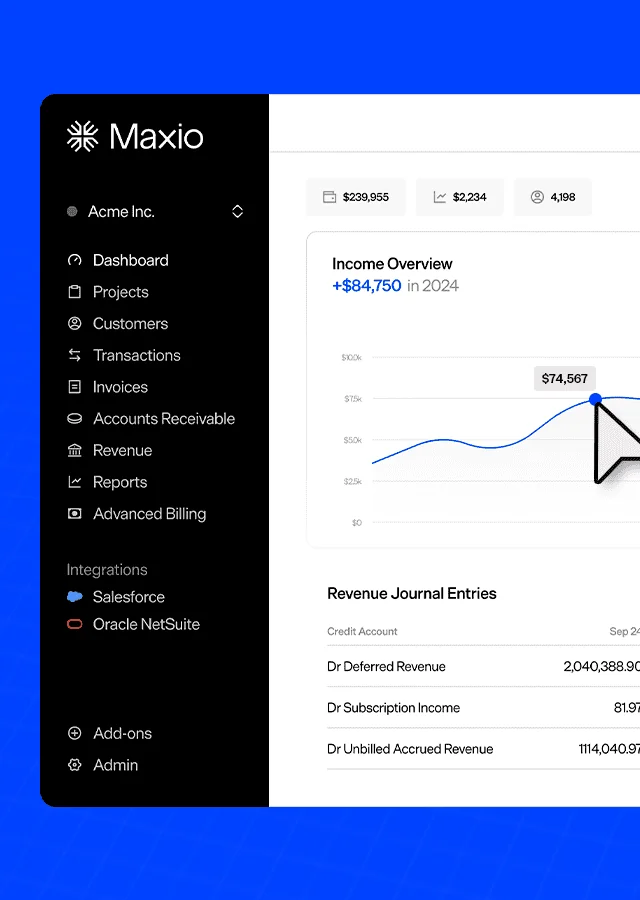
Maxio supports both standard and more complex B2B SaaS revenue recognition workflows. For standard scenarios, finance teams can create accrual-based revenue schedules using transaction dates and configured recognition methods.
For ASC 606 scenarios that require allocation across multiple performance obligations, Maxio's Advanced Revenue module is designed to support explicit and implied performance obligations and allocation of contract consideration. Maxio recommends evaluating your specific allocation methodology with its RevenueBooks team to confirm that the module fits your requirements.

Yes. Maxio's billing engine is designed for evolving B2B monetization strategies and supports a range of ways to monetize products and services.

For usage-based models, Maxio supports metered usage workflows, including importing metered usage records into Advanced Billing. This allows finance and billing teams to incorporate consumption data into subscription billing rather than reconciling it manually outside the system.

That flexibility also makes it possible to combine recurring subscription charges with consumption-based elements for hybrid monetization strategies.

Maxio provides investor metrics and analytics tied to the underlying customer and transaction data. Finance teams can track and drill into metrics including ARR and Churn and analyze subscription performance through cohort and momentum reporting.

Maxio's reporting can also support metrics such as LTV and NRR and lets teams drill into performance using customer attributes such as product line, industry, or other segmentation data.

The goal is not simply to produce a top-line metric, but to give finance teams the detail behind the number so they can explain changes to executives, boards, and investors.

Maxio connects with systems across the quote-to-cash and finance stack. Integrations include CRM, general ledger/ERP, payments, tax, and other finance applications.

Examples include Salesforce and HubSpot for CRM workflows; QuickBooks, NetSuite, Sage Intacct, and Xero across accounting and ERP use cases; Stripe and other payment providers; and Avalara for sales tax. Maxio also provides APIs for programmatic integrations and synchronization.

Maxio helps finance teams maintain the detailed financial records behind reported numbers instead of relying on disconnected spreadsheets. Revenue schedules, journal-entry data, transaction history, reporting, and audit trails give teams a clearer path from summarized financial results back to the underlying activity.

Finance teams can also export subscription, customer, and transaction data for financial reporting, audits, and business analysis.

For revenue accounting specifically, maintaining structured schedules and consistent recognition logic can make it easier to substantiate revenue, deferred revenue, and related balances during an audit.

Maxio's Model Context Protocol (MCP) provides a governed way for supported AI clients to interact with Maxio data and workflows. Finance teams can use natural-language requests to retrieve customers, subscriptions, invoices, contracts, transactions, and payments; investigate billing and revenue trends; support collections and renewal planning; and prepare certain actions where permissions allow.

MCP is permission-based and is not enabled by default. Administrators control which tools and data are available, and access can be configured as read-only or with specific write capabilities. AI clients access data on demand when an authorized user makes a request rather than independently scanning Maxio data. Payment card and bank account details are not exposed through MCP.

This gives finance teams a way to use AI for faster investigation and decision support while retaining governance over access and execution.

Maxio automates recurring finance operations that otherwise become more labor-intensive as a SaaS company grows. That includes invoicing, subscription renewals, collections, revenue recognition, reporting, and data synchronization between systems.

Because billing, revenue recognition, and SaaS reporting can operate from connected financial data, teams can reduce duplicate data entry and spreadsheet reconciliation as transaction and customer volumes increase. APIs provide another layer of automation for high-volume or custom workflows.

The result is an operating model designed to let finance handle greater billing and reporting complexity without increasing manual work at the same rate as the business grows.