
Payment Gateways
Payment Gateways
Whether you’re a startup or seeking global expansion, choose between our in-house payments solution, Maxio Payments, or your preferred payment gateway for flexible, streamlined payment processing.



















+2
more
20+ gateways, one billing engine
Payment gateways
Connect the payment providers that fit your business model, customer base, and global growth strategy — while keeping billing operations running smoothly.
21 total
Stripe
Quickly create a new Stripe account from inside of Maxio or connect an existing account with the click of a button. Process payments with cards or ACH, and take advantage of Stripe's automatic card updater feature.
Authorize.Net
Process payments with credit/debit cards or ACH. Authorize.Net provides the flexibility to use an existing merchant account or choose your own provider.
BlueSnap
The All-In-One Payment Platform that supports global currencies and alternative payment methods to help businesses increase sales and decrease costs.
PayPal
PayPal Complete Payments is an all-in-one payments solution that allows businesses to accept PayPal and other payment methods.
GoCardless
GoCardless provides a fully automated direct debit solution that can seamlessly collect both recurring and one-time payments.
CSG Forte
One of the biggest payment industry leaders, CSG Forte will help you scale your payment solutions.
Adyen
Braintree
Cybersource
Elavon
Eway
ModusLink
Moneris
NMI
Pin Payments
Square
Stax
TrustCommerce
Windcave

Worldline

Worldpay
No payment gateways match your search
Maxio’s API and webhooks connect providers that aren’t on this list. Tell us which gateway you need to process payments through.
Maxio Payments
Bring your payments in-house for a complete and automated workflow from invoice to deposit.
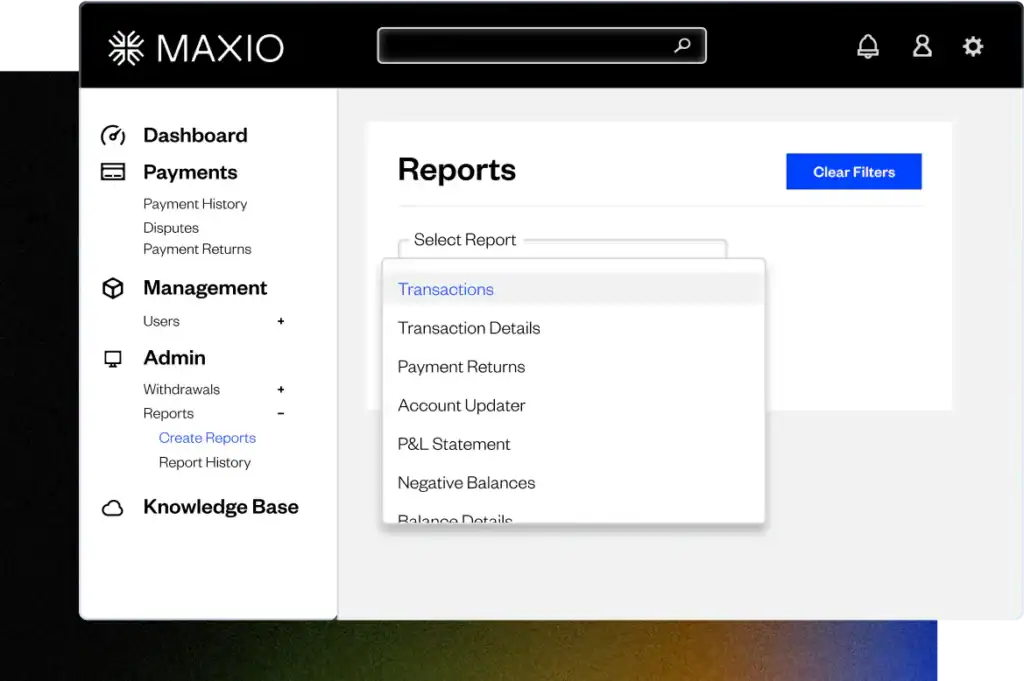
Maxio Payments minimizes risk and bridges the gap in your payments workflow, giving you a complete solution for payment processing, automated reconciliations, and reporting on the details of how customers pay.
With Maxio Payments, you get:
- Automated bank reconciliations, batch reporting, and journal entries
- Integrated payment and deposit syncs with your general ledger
- A seamless user experience