
Metering, Entitlements, and Wallets: How to Run Usage-Based and Hybrid Pricing in One System




AI features carry a real variable cost. When a customer uses more, your costs rise and your gross margin can shrink. More companies are responding by tying price to consumption, through usage pricing, prepaid credits, or plans with included usage.
Every one of those models has to answer three questions for each customer: What did they use? What does their plan allow? What have they paid for, and what’s left? Engineering, product, and finance usually answer them in different places: event logs, product code, and spreadsheets. When those drift apart, customers see the wrong limit, balance, or invoice.
Maxio answers all three in one system. A single usage event moves through it in three steps:
- At signup, Entitlements define what the plan includes, such as a $299 plan with 10,000 credits a month, and fund the customer’s wallet.
- As customers use the product, Metering counts each event your product sends.
- As usage posts, Wallets draw it down from the balance, and a top-up (buying more credits) adds it back.
New subscriptions get their entitlements and wallet automatically. Walking through the setup live, Maxio CPO Chris Weber put it plainly: “You’re configuring it… You’re not really building it.” The sections below cover each piece and the decisions to make before you set it up.
Metering: What did they use?
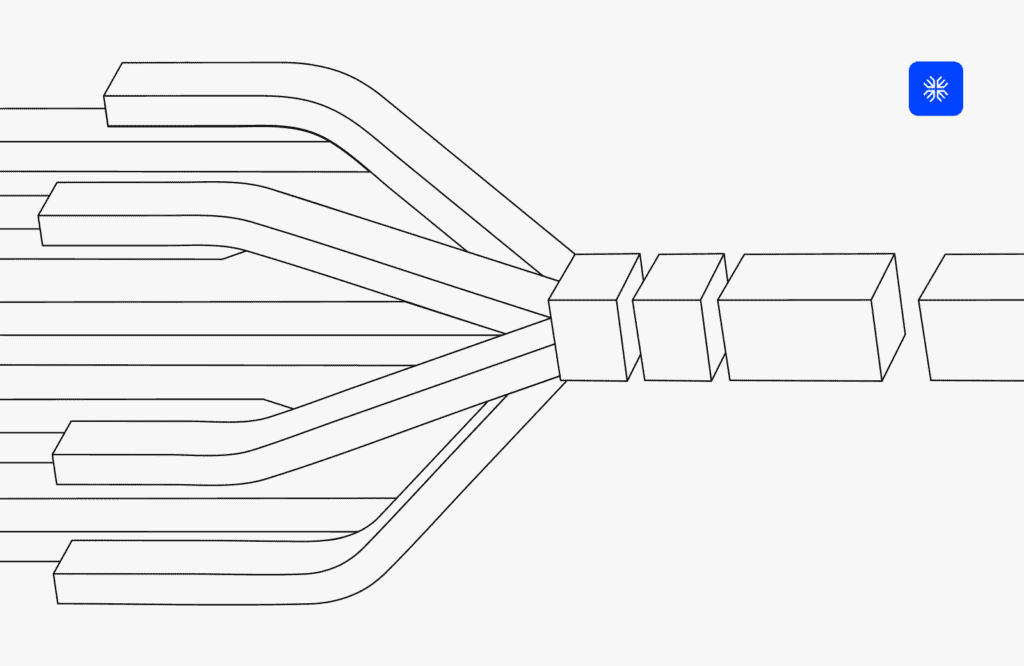
Metering turns raw product events into billable usage. Your product sends events to a stream, and meters on that stream aggregate them by sum, average, min, max, or a custom formula.
A stream can carry every event you care about, like emails sent, API requests, and tokens consumed. Filters decide which events a meter counts. The rest stay in the stream, so you can send usage you don’t bill for yet. Invalid events land in a queue for remediation instead of disappearing.
Integration is a lightweight API call, with batches of up to 1,000 events per request. In a benchmark test, Maxio ingested, rated, and invoiced more than a million events in under two minutes.
If you bill purely on usage, like API calls or validations, attach a meter to a metered product and price it per unit, by volume tier, or stairstep. No wallet or entitlement is required.
Before you set it up
- Define the event payload once. Include the customer, the event type, the quantity, and any attribute you might price by later, such as channel or model. Maxio can bill events at different rates based on an attribute, such as the channel an event came from. Adding attributes now saves rework later.
- Send broadly and filter at the meter. Changing a filter is configuration. Changing what your product sends is an engineering ticket.
- Choose single events or batches. High-volume features usually batch. Low-volume, high-value events can go one at a time.
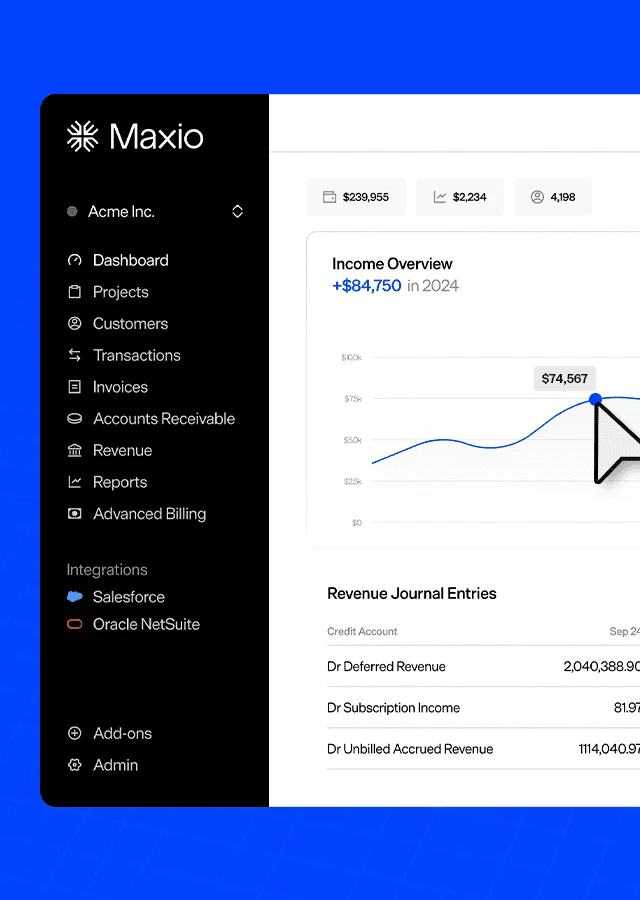
Usage shows up in Maxio as it happens. Chris Weber streams live events from a terminal and watches them land in real time.
Entitlements: What does their plan allow?
Most teams hardcode plan limits in product code, where they go stale as sales negotiates new deals. Entitlements give you one record of what each customer’s plan includes. That works for any plan, including seat-based and flat-fee tiers with no usage at all.
Maxio supports three entitlement types:
- Access features switch a module or capability on.
- Limit features set a quantity, like 1,000 credits with a monthly refresh.
- Service rights hold terms like support tier or SLA.
Each subscription exposes its entitlements and status through one API endpoint. Your product reads that endpoint to decide what a user can access, and the status updates when a subscription goes on hold, cancels, or resumes. History persists, so a customer who returns months later still has a clean record.
Entitlements attach to price points and combine across products. Access features appear once, and limits add up, so a 10,000-credit plan plus a 5,000-credit add-on shows 15,000 credits, with each source listed. They generate automatically at signup, so your existing flow stays the same.
Before you set it up
- Map your packaging to the three types. Every line on your pricing page should become an access feature, a limit, or a service right.
- Give negotiated deals their own price points. If sales closes a deal at $399 with higher limits, give it its own price point and entitlements. Your catalog keeps one plan instead of near-duplicates.
- Agree on who checks what. Maxio holds the entitlement record, and your product decides what happens when a user reaches a limit. Settle upgrade prompts and grace behavior with your product team before launch.
The signup flow stays the same. Chris Weber creates a subscription, Maxio generates its entitlements automatically, and a 5,000-credit add-on stacks onto the plan.
Wallets: What have they paid for, and what’s left?
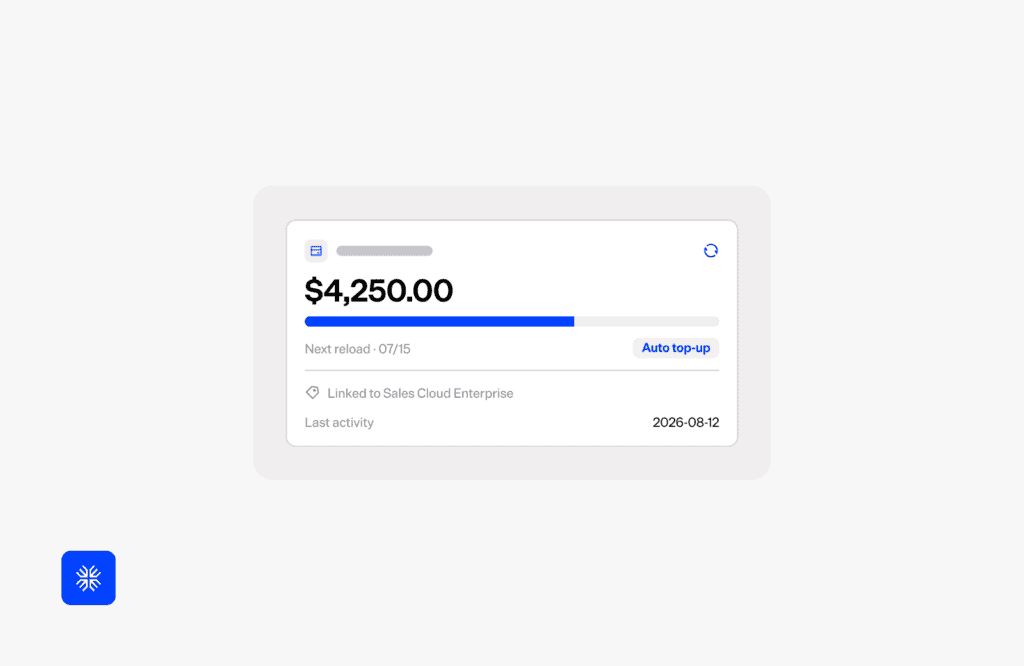
Wallets hold prepaid balances and draw them down as usage settles. Take the $299 plan from above. The wallet receives a 10,000-credit grant each period, deducts usage as it posts, and shows the remaining balance in real time.
Every grant, usage record, and purchase posts to a ledger. Grants can expire or not, and the wallet always draws from the grant that expires first. Your team can add a top-up in Maxio, or your app can trigger one through the API, which generates an ad hoc invoice that syncs to your GL or ERP through your Maxio integration.
One API endpoint returns the wallet’s configuration and every grant with its balance and expiration. Your team can use it to show balances in your app or prompt a top-up when credits run out. Wallets also work without Metering, with usage posted through a single API call or manual entry.
Before you set it up
- Pick a depletion policy. A hard stop accepts usage down to zero and rejects the rest, so the ledger never shows more consumed than was granted. A negative balance lets customers finish what they started, and the next grant trues it up. Either way, your product decides what the user sees at zero.
- Set an expiration on each grant. Plan grants and top-ups can carry expiration dates. Goodwill credits can be set to never expire, and expire-first ordering keeps them in reserve.
- Configure the wallet product. Top-up purchases invoice against a wallet product with its own sales tax settings. Wallet products sit above product families, so one credit type can serve every product line.
- Decide whether credits are the product or part of a plan. If customers buy credits on their own, Maxio’s prepaid products may be all you need. If credits come bundled in a plan, use Wallets so the plan funds the balance automatically.
A hard stop keeps the balance at zero. Chris Weber records usage past the limit, Maxio rejects the overage, and a top-up refills the wallet with an invoice.
Where to start
Everything shown here is live in Maxio and you can start with any one piece. Pick the problem costing you the most:
| If this sounds familiar | Start with |
| Usage lives in logs and scripts, and invoices get built by hand | Metering |
| You bill purely per API call, validation, or token | Metering with a metered product |
| You sell seat or tiered plans, and limits are hardcoded in your product | Entitlements |
| Prepaid credits live in spreadsheets, and expirations get missed | Wallets, funded by Entitlements |
| You have a few high-value contracts and low event volume | Wallets, with usage and grants posted by API |
New to Maxio? Turning on all three at once gives you the full flow from day one. Existing customers can add entitlements plan by plan, since price points work with or without them.
See it live: Watch Monetization Done Right on demand.