

Tax and Compliance Integrations in Maxio: A Guide for Subscription Businesses


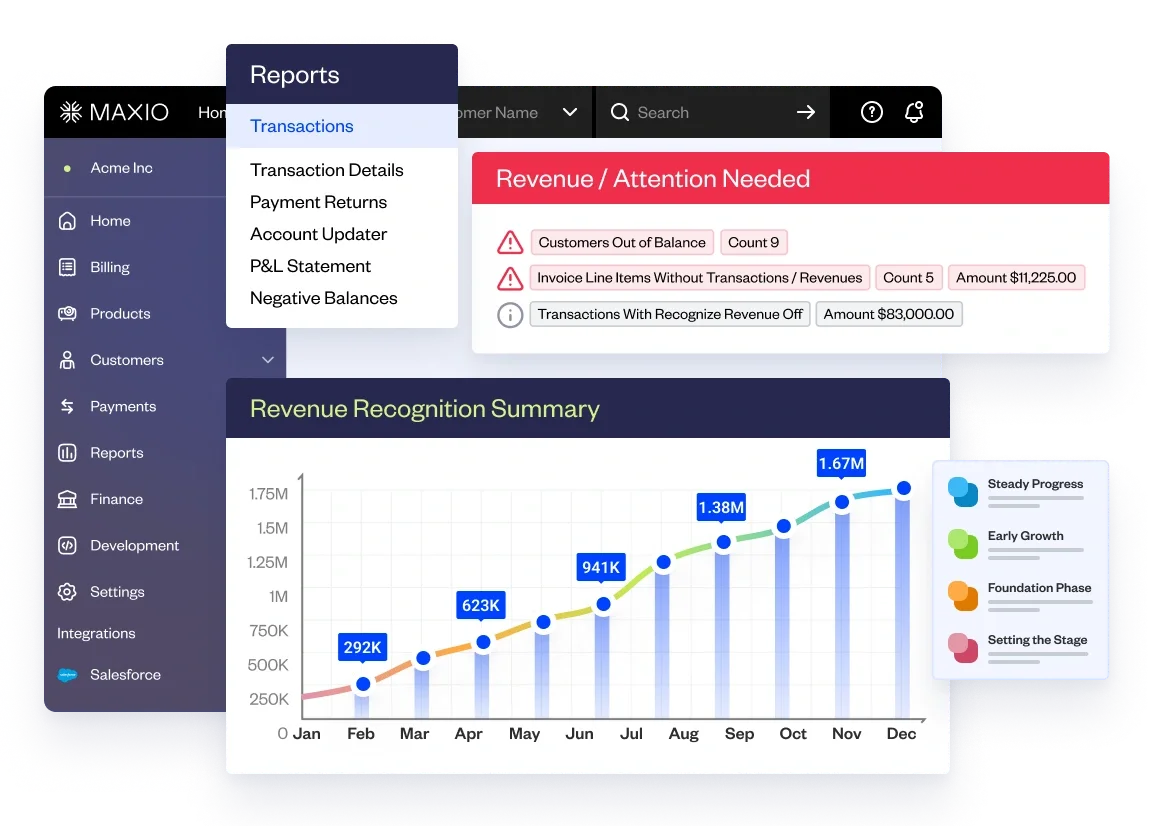


Keep the tax provider your finance team already relies on when you move your billing to Maxio. Maxio connects to six tax engines: Avalara AvaTax, Anrok, Numeral, Sphere, TaxJar, and Taxwire, plus Avalara ELR as an e-invoicing add-on. Keep the provider you already file with, or pick the one built for where you sell.
Subscription billing puts tax under constant pressure. A single customer can generate a signup charge, monthly renewals, usage overages, a mid-cycle upgrade, and a partial refund in one year. Every one of those events needs the right rate for the right jurisdiction, and every correction needs to reach your filing records. Maxio calls your tax engine in real time at each of those moments, writes the result to the invoice, and keeps your provider’s records in step as invoices change.
Here’s what each integration brings to your billing.
Avalara AvaTax
AvaTax is one of the most established names in sales tax automation, and many finance teams already run their tax program on it. Connecting it to Maxio carries that program straight into your billing. Your Avalara account and settings stay the same, and AvaTax starts calculating tax on every taxable charge Maxio produces.
That coverage spans the full subscription lifecycle, from signups and renewals to component allocations, ad-hoc charges, and arrears billing. Each product keeps the tax treatment its category calls for, so digital services and physical goods can sit on the same invoice and still be taxed correctly. Setup is self-service, so your team can connect and test in sandbox on its own timeline.
Key capabilities
- Self-service connection. Open Link My Avalara under Config > Taxes, enter your account ID and license key, and choose the Avalara company to connect. The screen shows whether the account is in sandbox or production, so you can test before going live.
- Tax codes managed in Maxio. Assign a tax type and AvaTax tax code on each Plan or Product, with a built-in link to Avalara’s tax code search. A SaaS subscription and a hardware add-on on the same invoice each get the treatment their category requires.
- Partial taxation handled correctly. Texas taxes SaaS on 80% of the invoice value, and Tennessee applies certain rates to only part of a single item. AvaTax calculates both, and Maxio shows the effective rate on the invoice.
- Optional document posting. Turn it on and invoices, refunds, and credit notes commit to the AvaTax Admin Console for reporting and filing.
- Accrual or cash basis. Relationship Invoicing sites choose whether open invoices commit to Avalara at issue or at payment.
- EU VAT support. With an EU tax origin address, Maxio applies EU VAT rules and adds a VAT number field to your signup pages.
- Tax history in Maxio. Review transaction IDs, rates, amounts, and jurisdictions on the View Tax History page and export them as a CSV.
Best fit: teams already on Avalara and businesses selling both digital and physical products.
Add-on: Avalara ELR for e-invoicing. Avalara customers can also add Avalara ELR, which routes Maxio invoices and credit notes to Avalara for submission under more than 50 country and network e-invoicing mandates. ELR is an add-on that requires an Avalara subscription.
Anrok
Anrok was built for software companies, and SaaS tax is its core focus. It covers US sales tax and international rules, and it gives tax teams a dedicated place to decide how each product should be taxed.
Maxio keeps your catalog in sync with Anrok automatically, so every Plan and Product your billing team creates shows up for your tax team to classify. Maxio previews tax before anything is billed, commits it when the invoice is finalized, and keeps every void and refund tied to the original sale. Voids still land correctly after Anrok has frozen a transaction for filing.
Key capabilities
- Automatic catalog sync. New or edited Plans and Products show up in Anrok within minutes.
- Live quotes before billing. Click Preview Cost on a subscription and Maxio pulls a live quote from Anrok. Maxio commits the transaction when the invoice is finalized.
- Connected corrections. Every invoice, void, and refund carries the same transaction ID, so a correction made months later still traces back to the original sale.
- Filing-safe voids. If Anrok has already locked a transaction for a filed return, Maxio records a matching credit automatically, and your filed numbers stay accurate without a manual adjustment.
- Controlled cutover. Set a start date for syncing so only new invoices flow to Anrok after you connect.
- Cash-basis syncing. Businesses that account for tax on payment can have Maxio Support set invoices to reach Anrok once they’re paid.
- Customer tax IDs passed through. VAT, GST, and state resale numbers travel with each calculation.
Best fit: SaaS companies that want tax categories managed in a dedicated tax platform, with filing-safe handling of voids and refunds.
Numeral
Numeral specializes in VAT and cross-border tax, where the hardest question is often whether to charge tax at all. Selling to a business in another country can call for standard VAT, reverse charge, or an exemption, and the answer depends on who the customer is and where they’re based.
Maxio passes the customer’s VAT number or tax ID with each transaction, and Numeral makes that call automatically. Your billing team stops deciding invoice by invoice. Invoices, voids, credit notes, and refunds issued with Refund and Credit all sync back to Numeral, so period close starts with a complete record.
Key capabilities
- Product categories set in Maxio. Assign Numeral product categories directly on Products and Components, so SaaS, digital goods, and professional services each get the right treatment in every jurisdiction.
- Mixed pricing models. Numeral supports tax-inclusive pricing, and one subscription can mix inclusive and exclusive charges in the same billing period.
- Clear invoice tax lines. Invoices show a readable line, such as California Sales Tax (8.25%), with state, county, city, and special district detail stored behind it.
- Lifecycle sync. Invoices, voids, and credit notes flow back to Numeral, along with refunds issued through Refund and Credit, so your team starts period close with a complete record.
- No duplicate records. Retried voids and refunds update the existing Numeral transaction instead of creating a new one.
- Subscription group support. Each segment invoice exports on its own, so consolidated billing never double-posts.
- Clear error handling. If a calculation fails, Maxio flags the setup issue in the app instead of billing an incorrect amount.
Best fit: companies with international customers and VAT obligations who want reverse charge and exemptions handled automatically.
Sphere
Sphere is an AI-native tax engine built for companies selling globally. It connects directly to more than 100 tax authorities and covers sales tax, VAT, and GST, so registration, calculation, filing, and remittance all happen on one platform.
Maxio supplies the billing data that keeps it running. Product mapping and exemption categories live in Sphere, and Maxio sends every taxable invoice with the customer details Sphere needs. Tax calculates on each invoice based on where your customer is and what they bought.
Key capabilities
- Simple setup. Map your Maxio products to tax codes inside Sphere, enter your API key in Maxio’s tax settings, and test the connection before saving.
- Two levels of exemption. Mark a customer tax exempt in Maxio and that flag goes with every calculation. Finer categories, such as wholesale, government, or non-profit, are managed in Sphere and respected on Maxio invoices.
- Tax-inclusive pricing. Sphere supports prices with tax already included, and Maxio recalculates the taxable and tax amounts from Sphere’s response.
- Jurisdiction detail on every invoice. Maxio stores Sphere’s breakdown for invoice display and reconciliation.
- Event sync. Customer updates, issued invoices, and successful payments flow to Sphere for transaction records.
Best fit: global B2B SaaS and AI companies that want indirect tax handled end to end on one platform.
TaxJar
TaxJar is a popular choice for US businesses managing sales tax across many states. As your nexus footprint grows, so do the rates, rules, and filing deadlines, and TaxJar keeps them in one place.
Connect your existing account and your nexus rules, product tax codes, and filing history carry over, so your tax setup moves to Maxio without a rebuild. Every invoice, refund, and credit note then syncs back to TaxJar, ready for filing.
Key capabilities
- Line-level calculation. At each billing event, Maxio sends TaxJar the addresses, line items, and product tax codes, with discounts already applied. Maxio writes the result to the invoice with state, county, and city detail.
- A record for every adjustment. Every invoice, void, refund, and credit note gets its own TaxJar transaction, so several credit notes against one invoice never overwrite each other.
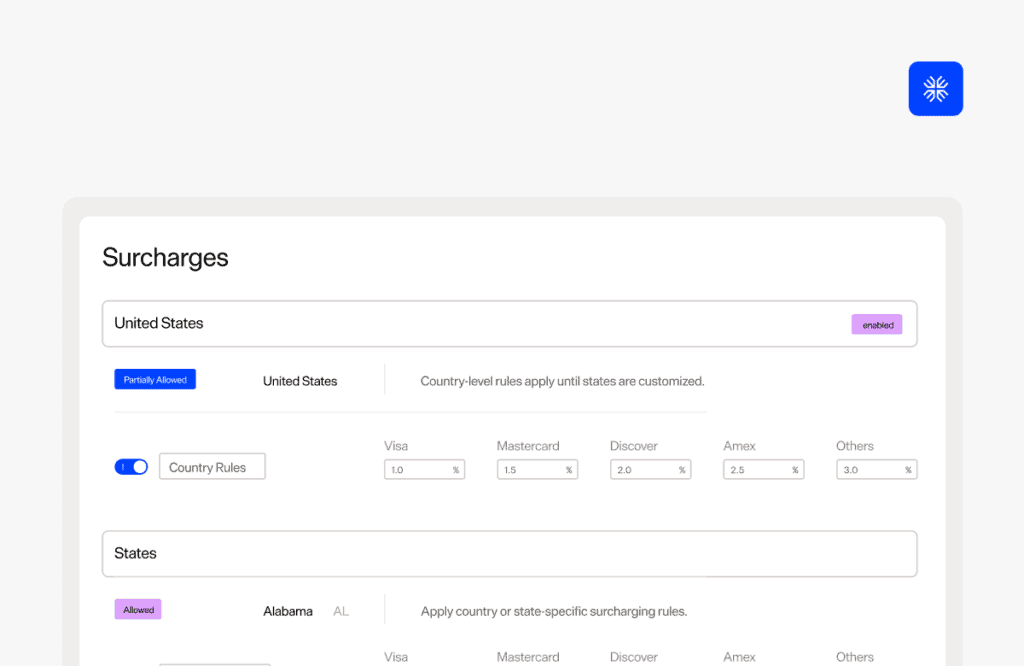
- Surcharge tax handled. If you use Maxio Payments credit card surcharging, the surcharge is taxed as its own line, and Maxio updates TaxJar if a surcharge lands after the invoice was sent.
- Controlled cutover. Set a start date so only new invoices sync to TaxJar after you connect.
- Contract billing support. Maxio Core contract invoices can be taxed through TaxJar.
- AutoFile. Filing runs through TaxJar, working from a complete transaction history.
Best fit: US-focused subscription businesses moving to Maxio without rebuilding their tax setup.
Taxwire
Taxwire calculates sales tax and VAT in real time for US and international sales, with support for USD and most major currencies, including CAD, GBP, EUR, JPY, and AUD. Its biggest strength shows up after the invoice goes out.
Subscription invoices rarely stay as issued. Customers receive credits, open invoices get edited, and refunds land mid-period. With Taxwire, Maxio updates the original tax transaction every time an invoice changes, so what gets filed matches what you billed.
Key capabilities
- Invoice edits flow through. Edit an open invoice and Maxio recalculates the tax and updates the same Taxwire transaction, so Taxwire files what you actually billed.
- Proportional reversals. Partial refunds, credit notes, Service Credits, and partial voids each reverse their share of the filed tax, linked back to the original sale.
- Reverse charge handling. For VAT sales where the customer self-assesses tax, Taxwire applies the reverse charge and Maxio reflects it on the invoice.
- Tax-inclusive pricing. Maxio splits the price based on the rate Taxwire actually applied, so partially taxed products like SaaS in Texas show the correct embedded tax.
- Discounts sent as discounts. Maxio passes line-item discounts separately, and Taxwire applies them by its own rules.
- Full subscription group support. Each segment of a consolidated invoice gets its own Taxwire transaction, kept in sync through voids, refunds, and credits.
- Exemptions matched by customer ID. Exemption categories stored in Taxwire apply on Maxio invoices automatically.
Best fit: subscription businesses that adjust invoices often and need every change reflected in what gets filed.
Built-in custom taxes
Not every business needs a tax engine on day one. If you sell in a handful of places with stable rates, Maxio’s built-in custom taxes may be all you need.
Custom taxes are part of Advanced Billing and require no account outside of Maxio. You create a tax, add rules that pair a region with a rate, and mark the Plans and Products it applies to. Your team maintains the rates, and you can move to a tax engine whenever your footprint outgrows them.
Key capabilities
- Rates by region. Set a rate for a whole country or a single state or province.
- General tax. Handle percentage taxes such as Canadian GST, PST, and HST or Australian GST.
- EU VAT. Apply VAT at the country level and let customers outside your own country opt out with a valid VAT number at signup.
- Zero-rated rules. Set a rule to 0% so a zero-rated region still shows a tax line on invoices and proformas.
Best fit: companies selling in a handful of jurisdictions with stable rates.
The same reliable workflow, whichever you choose
Every tax engine plugs into the same Maxio workflow.
- Live tax in previews. Finance can check the amount on a subscription or invoice preview before anything is billed.
- Issued invoices reach your provider. Each integration records issued invoices with your provider. With AvaTax, that happens when document posting is turned on.
- Corrections that follow through. Voids, refunds, and credit notes reach your provider without manual exports, with details that vary by integration.
- Sandbox testing. Every tax engine supports sandbox testing, so you can run sample subscriptions, voids, and refunds before going live.
- Exemptions respected. Mark a customer tax exempt in Maxio and none of their subscriptions are taxed.
At a glance
| Integration | Best fit | Coverage | How to get started |
| Avalara AvaTax | Existing Avalara users, digital and physical goods | US sales tax and EU VAT | Self-service in Maxio |
| Anrok | SaaS companies with international reach | US sales tax and international rules | Maxio Support or your CSM |
| Numeral | VAT-heavy and cross-border billing | US sales tax and international VAT | Maxio Support or your CSM |
| Sphere | Global indirect tax on one platform | Sales tax, VAT, and GST across 100+ tax authorities | Maxio Support or your CSM |
| TaxJar | US multi-state sales tax | US sales tax | Maxio Support or your CSM |
| Taxwire | Businesses that adjust invoices often | US sales tax and international VAT | Maxio Support or your CSM |
| Custom taxes | A handful of jurisdictions with stable rates | Rates you set by country, state, or province | Built into Advanced Billing |
Your billing, your tax engine
Tax needs change as a company grows. A US startup might begin with custom rates, add TaxJar as its nexus footprint spreads, and move to a global engine once it starts selling abroad. Maxio supports each of those moves without changing how your team bills.
Whichever engine fits today, Maxio is ready for the next one. Explore Maxio’s tax and compliance integrations to find the right fit for your business, or book a demo to see them in action.